Dev License: This installation of WHMCS is running under a Development License and is not authorized to be used for production use. Please report any cases of abuse to abuse@whmcs.com
How to Change the Password of a Plesk Account
Follow these steps to change your Plesk account password.
1. Log in to your Plesk account.
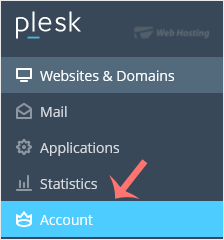
2. Click on Account from the Sidebar Menu.
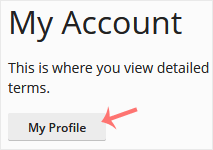
3. Click on My Profile.
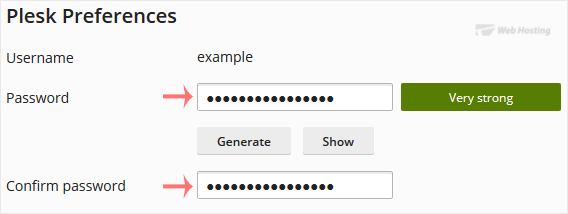
4. In the password field, enter your password or click Generate to generate one.
5. Click OK to confirm the changes.
You can now log in with the new password.
- 0 utilizatori au considerat informația utilă
Articole similare
How to Log in to Plesk
A tutorial on how to access the Plesk Control Panel.
After you place an order and make a...
Powered by WHMCompleteSolution